One zone, yours
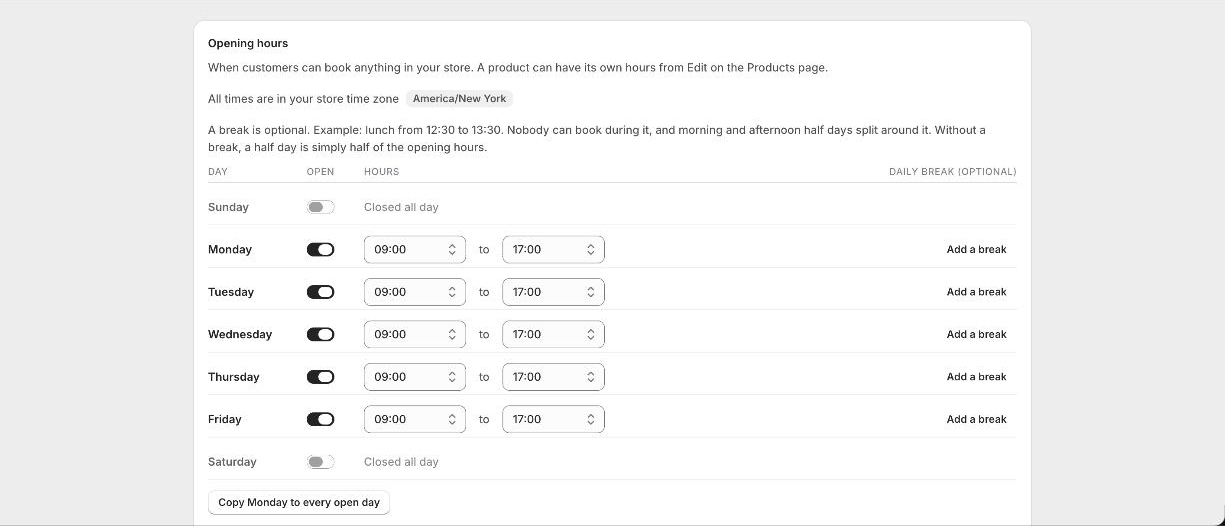
Your store time zone is set in Shopify under Settings, General. Booker reads it from there; the Availability page shows which zone it is using. Opening hours, closed dates, minimum notice, the times on the product page and the times on every email are all in that zone.
Customers in other places
A customer in another zone sees the same times you see. A studio in London showing 10:00 shows 10:00 to someone in New York too, because the studio is in London and that is when the room is free. Nothing is converted. If you run online sessions for people in several zones, say which zone your times are in on the product page.
Daylight saving
Follows your zone automatically. A booking at 10:00 stays at 10:00 across the change; a class that spans the change keeps its length.
12-hour or 24-hour
Under Appearance choose how times are written on the calendar: 14:00 or 2:00 pm. Emails follow the same choice. Dates on the calendar follow the customer's language, so a French shopper sees the day and month the French way.
Good to know
I moved the store to a new time zone
Change it in Shopify and Booker follows. Bookings already made keep the moment they were booked for, so a booking made for 10:00 in the old zone shows at the equivalent time in the new one.
Can a product have its own time zone?
No. Every product uses the store zone. Hours, yes: a product can have its own opening hours, see Gaps, questions and per-product hours.